Resolving Blank Screen in RezExpert
Last modified on:
Overview
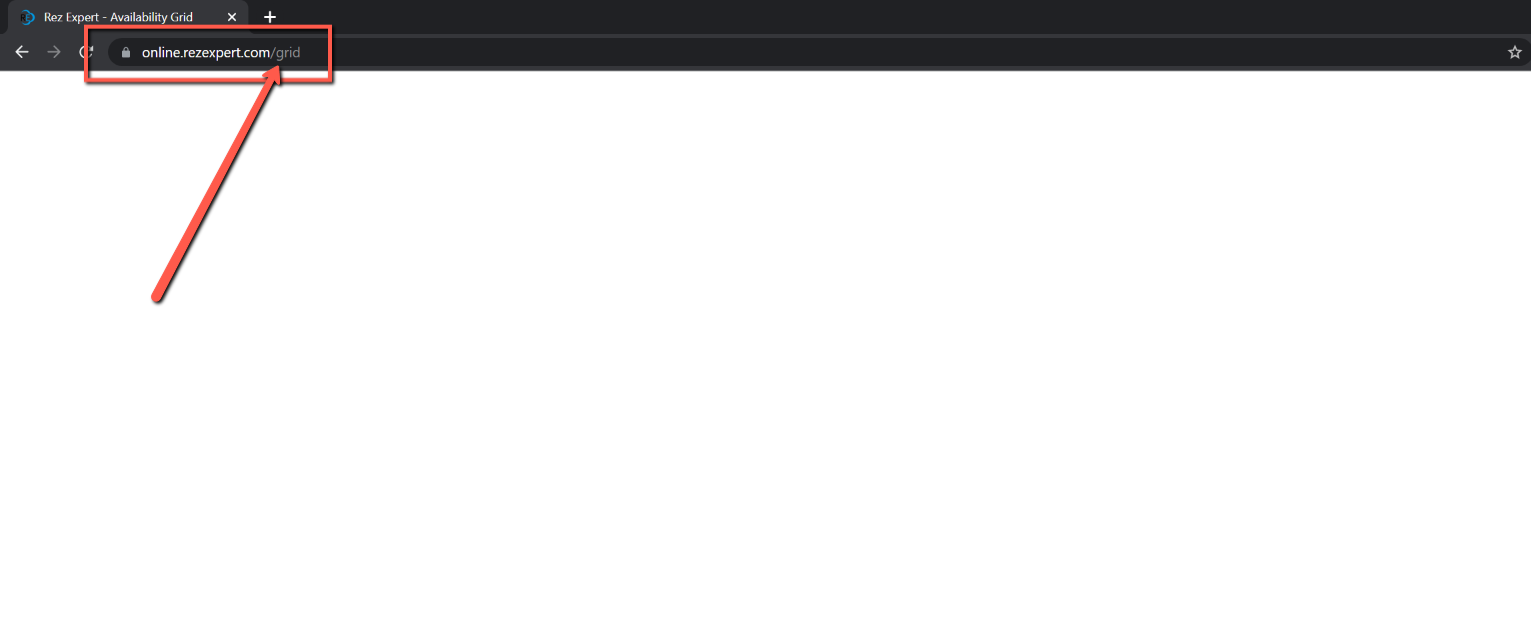
A blank or white screen may appear when attempting to load RezExpert if the user is not logged in. This typically occurs when trying to open a page that requires authentication, such as the grid.
Prerequisites
- Ensure you have access to the RezExpert login page.
Steps
- If you encounter a blank screen, check if you are logged into RezExpert.
- To resolve the issue:
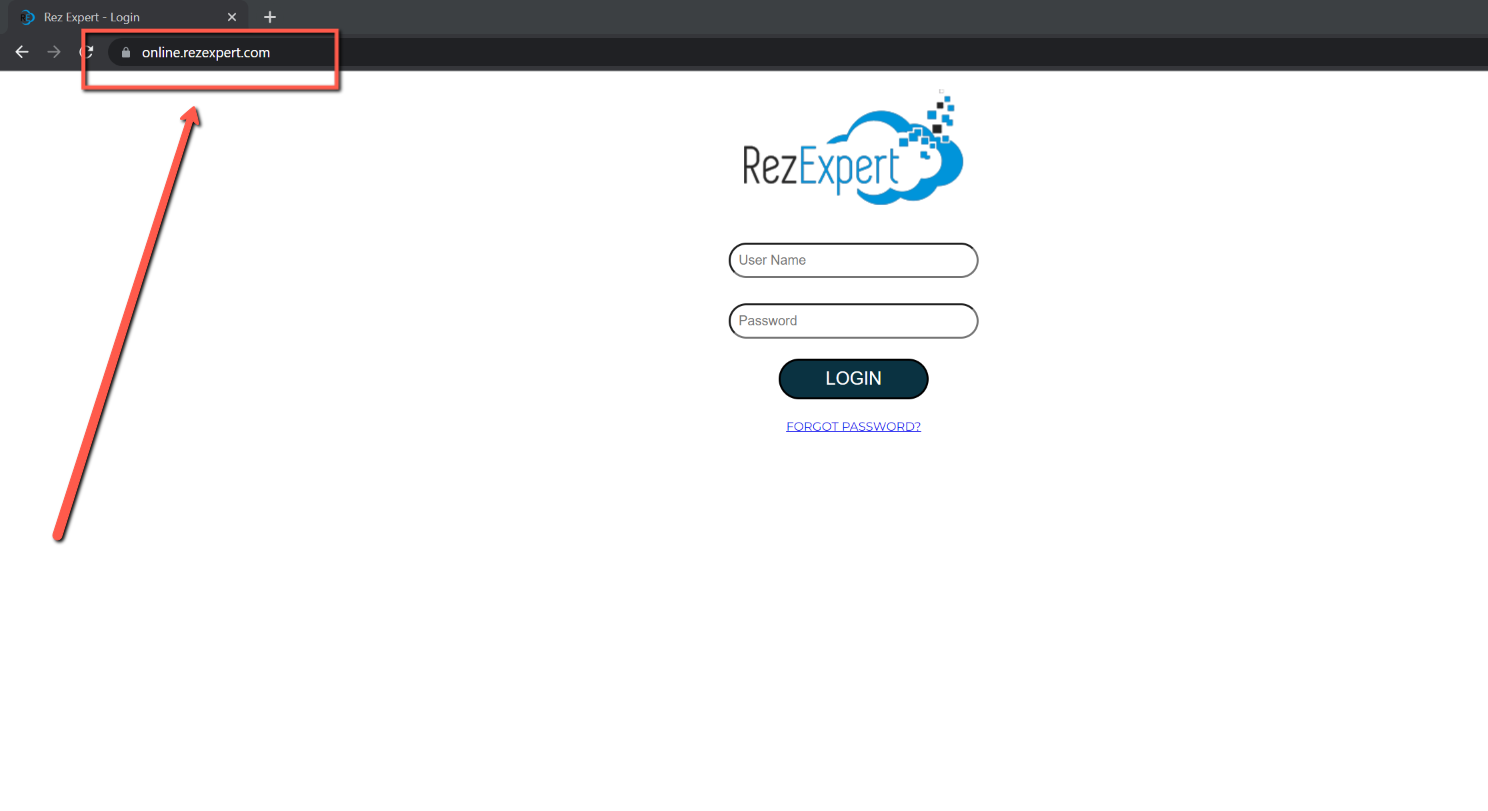
- Remove everything after online.rezexpert.com in the URL.
- Press Enter to reload the page.
Troubleshooting
- Ensure that you are logged in before attempting to access pages that require authentication.
- If the problem persists, verify your internet connection and try accessing the site again.