Reservation Status Symbols Explained
Last modified on:
Overview
Each reservation will have a symbol prior to the client's name. These symbols help identify the different statuses of reservations, particularly when using Custom Alerts.
Prerequisites
- Understanding of reservation statuses
- Access to the reservation system
Steps
- # Symbol: Indicates that the reservation is not assigned to any specific unit number.
- * Symbol: Indicates that the reservation has been checked in. Checked-out reservations will also display this symbol.
- No Symbol: Indicates that the reservation is assigned to a specific unit number.
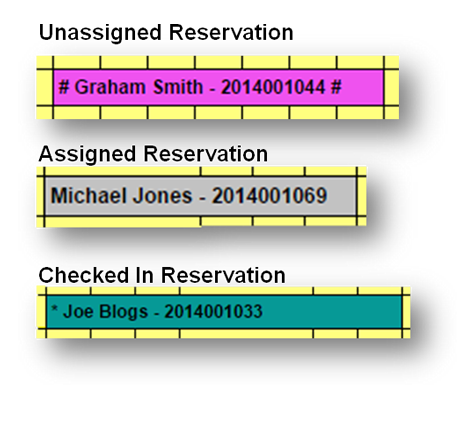
These symbols will also display within Regular Pencil Ins and Group Bookings.
Troubleshooting
- Maintenance Pencil Ins: Note that Maintenance Pencil Ins will not display symbols, as they are locked to the selected unit/site.