Adding a New Unit Type in Inventory
Last modified on:
Overview
This document outlines the steps required to add a new Unit Type.
Prerequisites
- Access to the system with permissions to modify inventory settings.
Steps
Location
Navigate to:
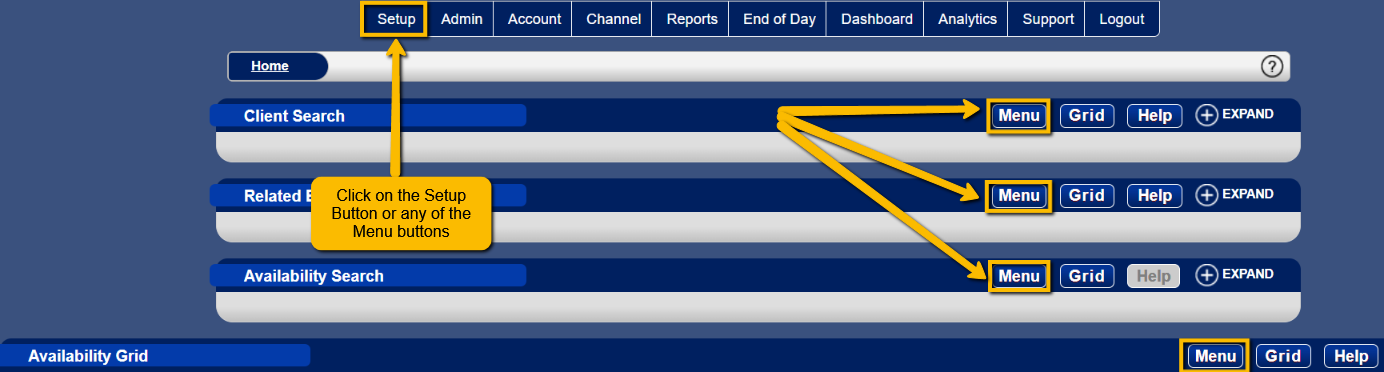
- Setup button or any 'Menu' button
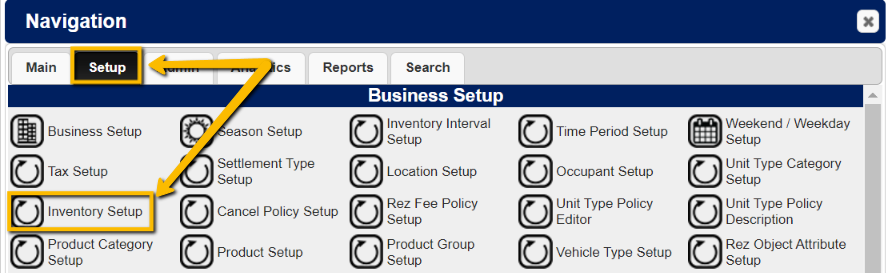
- Setup Tab
- Inventory Setup
Procedure
- Click on the 'Add' button.

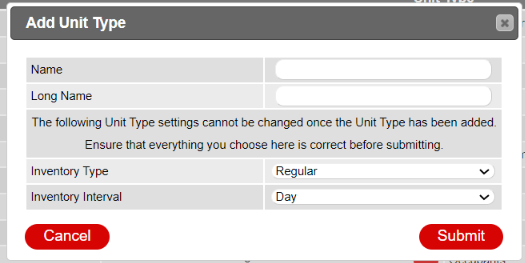
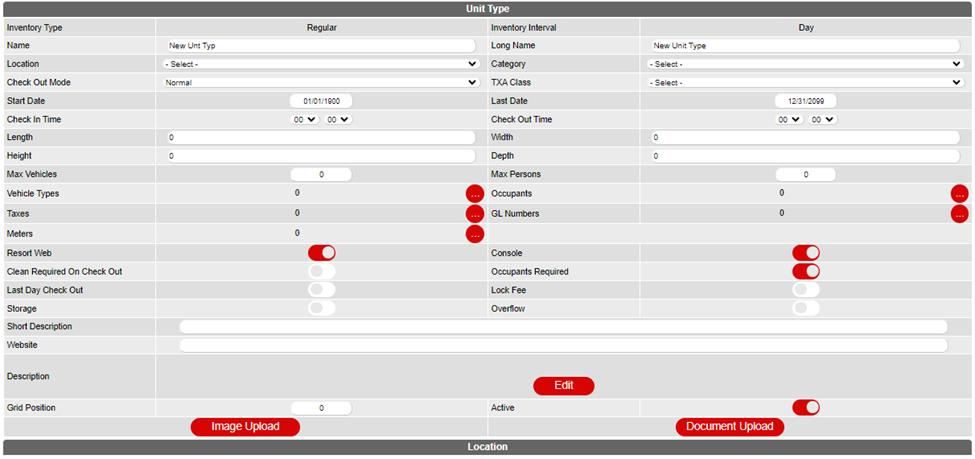
- Fill in all relevant and required information, and submit.
Troubleshooting
- Ensure all required fields are completed before submission.
- Verify that you have the necessary permissions to add a new Unit Type.