Preview Custom Emails and Reports
Last modified on:
Overview
You have created your custom content, and now you want to review what was done. Please note the content needs to be activated and assigned in the Content Assignment Setup.
Prerequisites
- Ensure the content is activated.
- Assign the content in the Content Assignment Setup.
Steps
Location
- Navigate to:
- Menu
- Admin
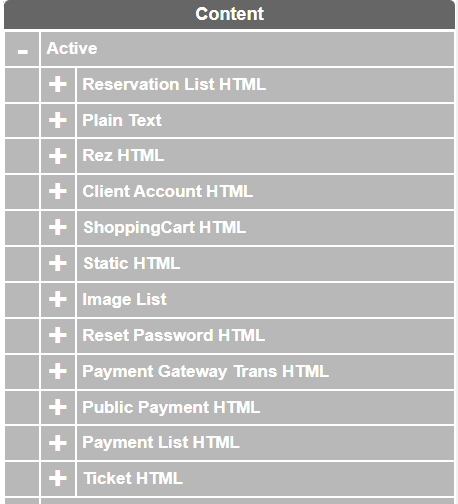
- Content Setup - Select your content from the List.
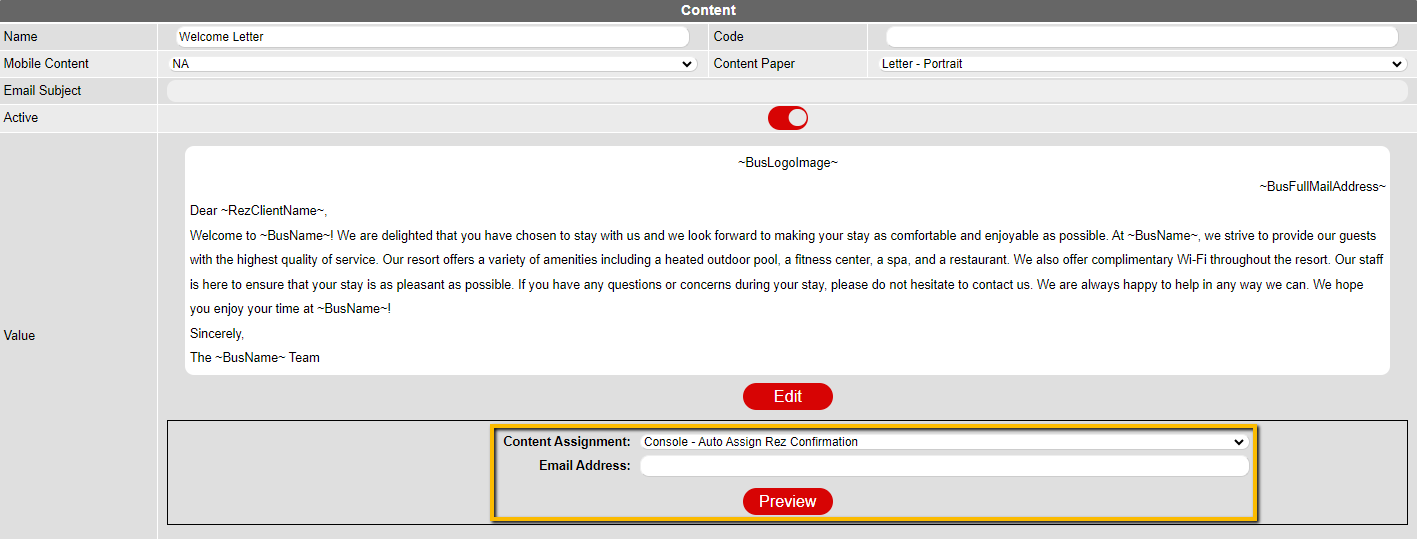
- Select the content assignment.
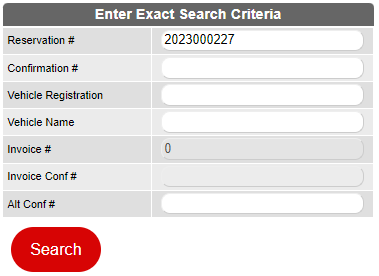
- To preview as is, click on preview and enter the reservation number.
- To preview as an email, enter the email address you can access to view it.
- Click on the Search button.
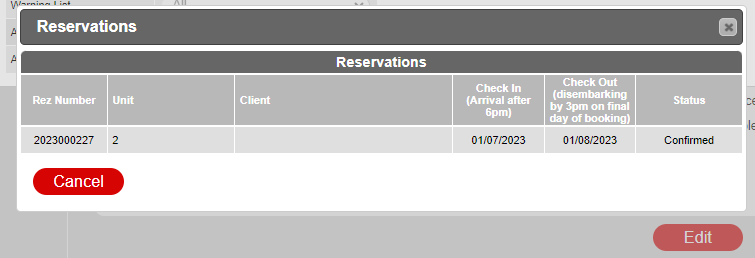
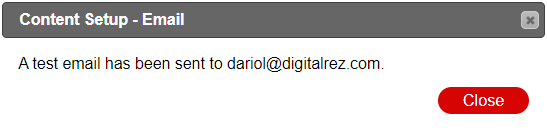
- Click on the reservation. It will be sent to the email address that was entered or be previewed as a PDF if no email was entered.
Troubleshooting
- Ensure the content is activated and correctly assigned in the Content Assignment Setup.
- Verify the email address entered is accessible for previewing the content as an email.
- Check for any errors in the reservation number if the preview does not display as expected.