Business Setup Navigation Steps
Last modified on:
Overview
When navigating to different setup areas for setting up your business or making changes, follow these steps.
Prerequisites
- Ensure you have access to the grid interface.
Steps
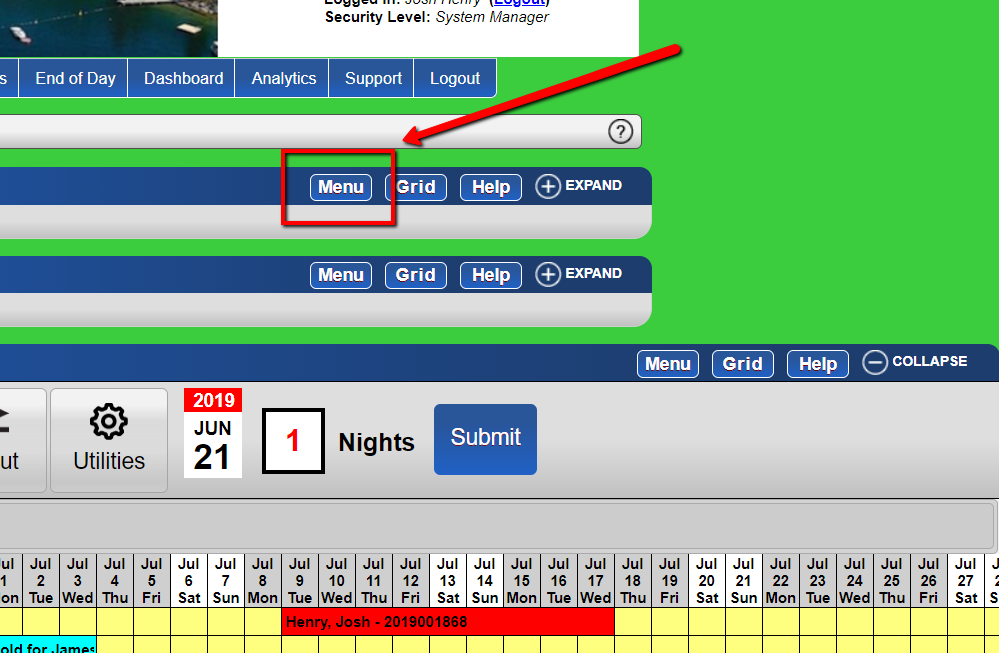
- From the grid, click the "Menu" button.
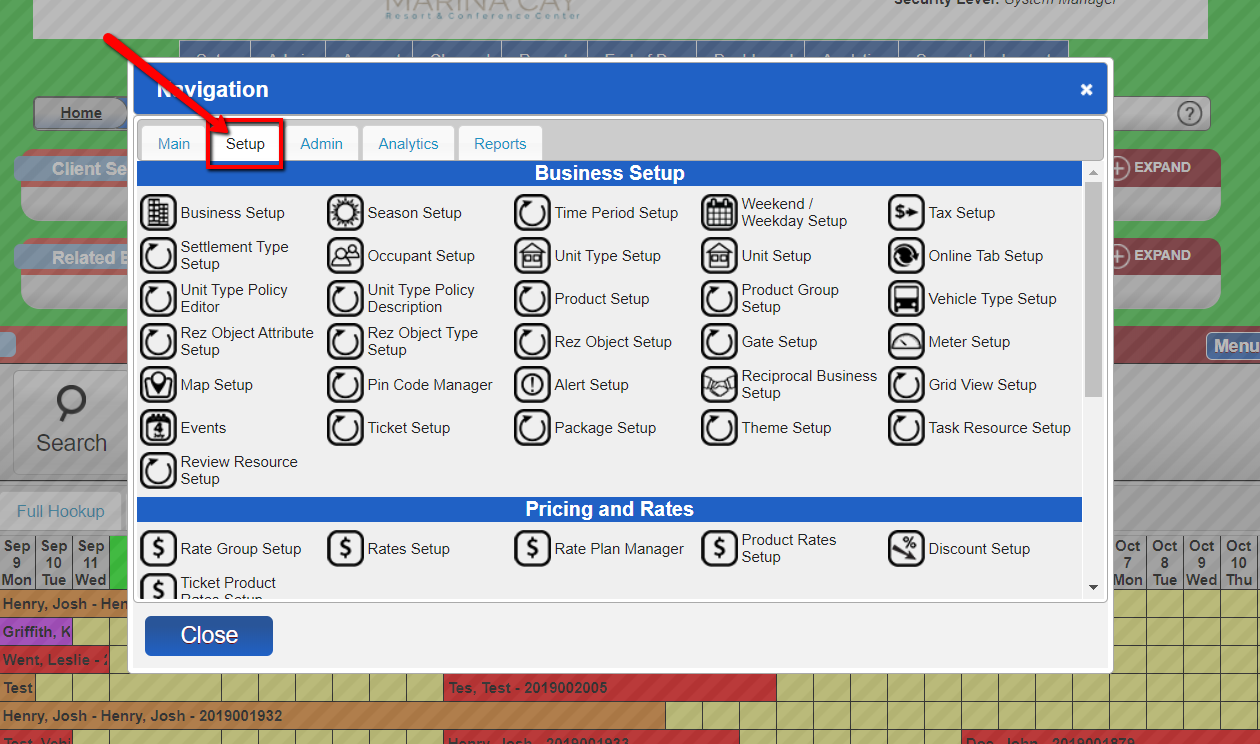
- Click the "setup" tab, where most, if not all, of the setup options can be found.
Troubleshooting
- If you encounter issues accessing the setup tab, ensure you have the necessary permissions.
- Verify that your interface is up-to-date to avoid compatibility issues.