Sorting Columns Efficiently
Last modified on:
Overview
This document provides a guide on how to sort columns efficiently.
Prerequisites
- Ensure you have access to the data set you wish to sort.
Steps
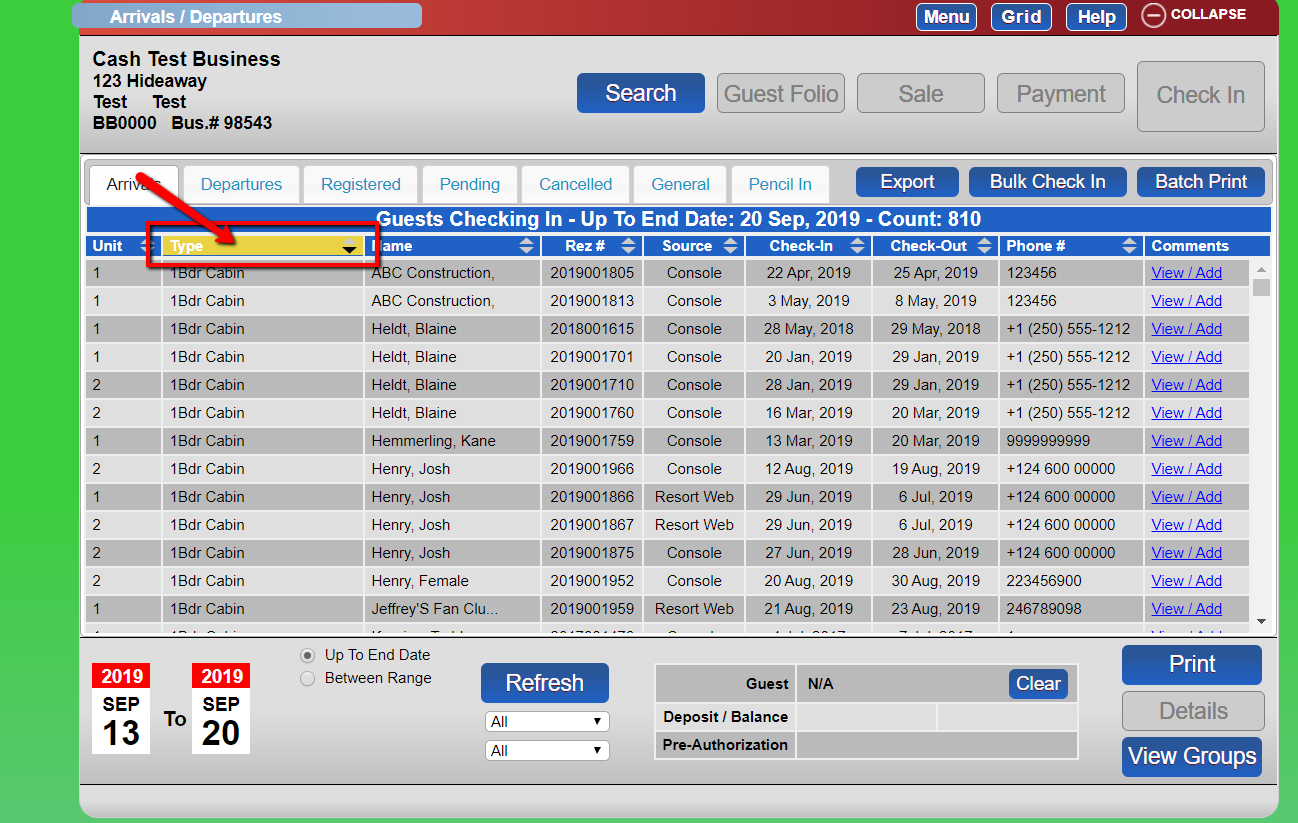
- Select the column heading.
- Click the column heading again to toggle the sort order:
- From Descending to Ascending
- From Ascending to Descending - Note that only one column can be sorted at a time.
Troubleshooting
- If sorting does not work, ensure that the column heading is correctly selected.
- Verify that no other sorting operations are interfering with your current selection.