Setting Up Proxy Emails for Business
Last modified on:
Overview
This document provides a guide on setting up a proxy email for a business.
Prerequisites
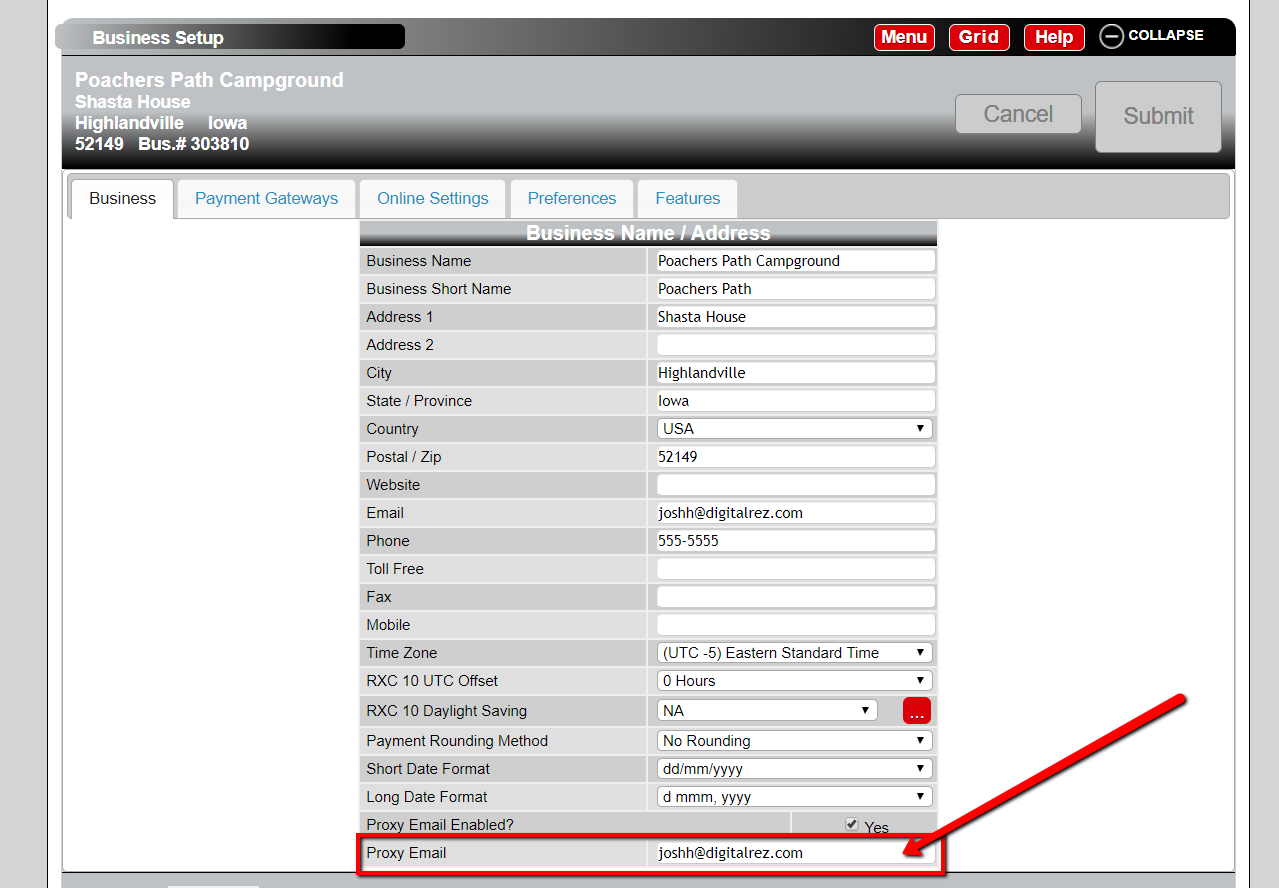
- Ensure that the "Proxy Email Enabled?" check-box is activated.
Steps
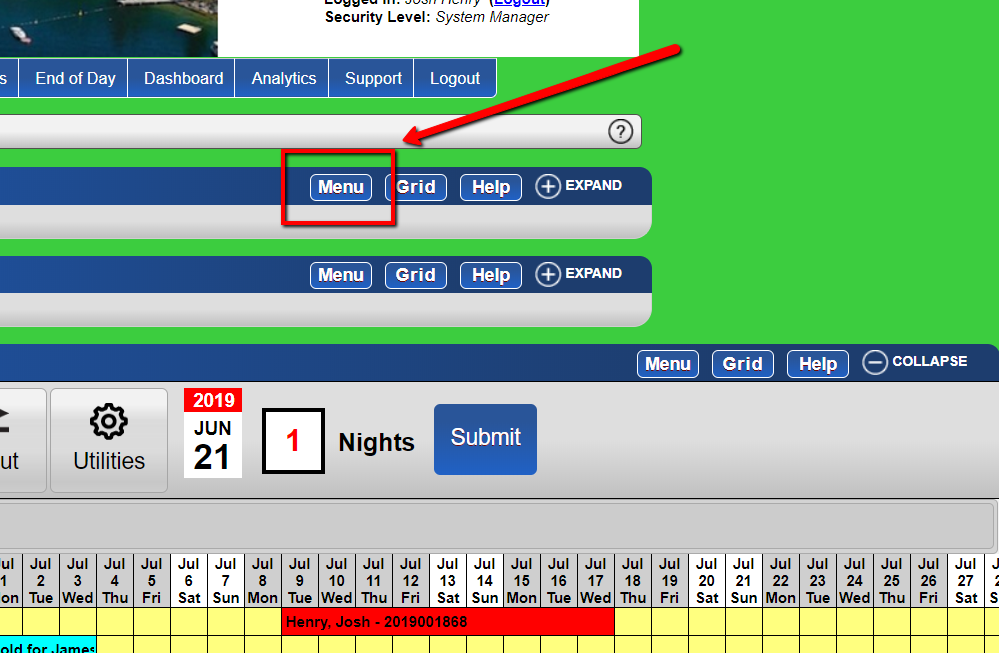
- From the grid, click the "Menu" button.
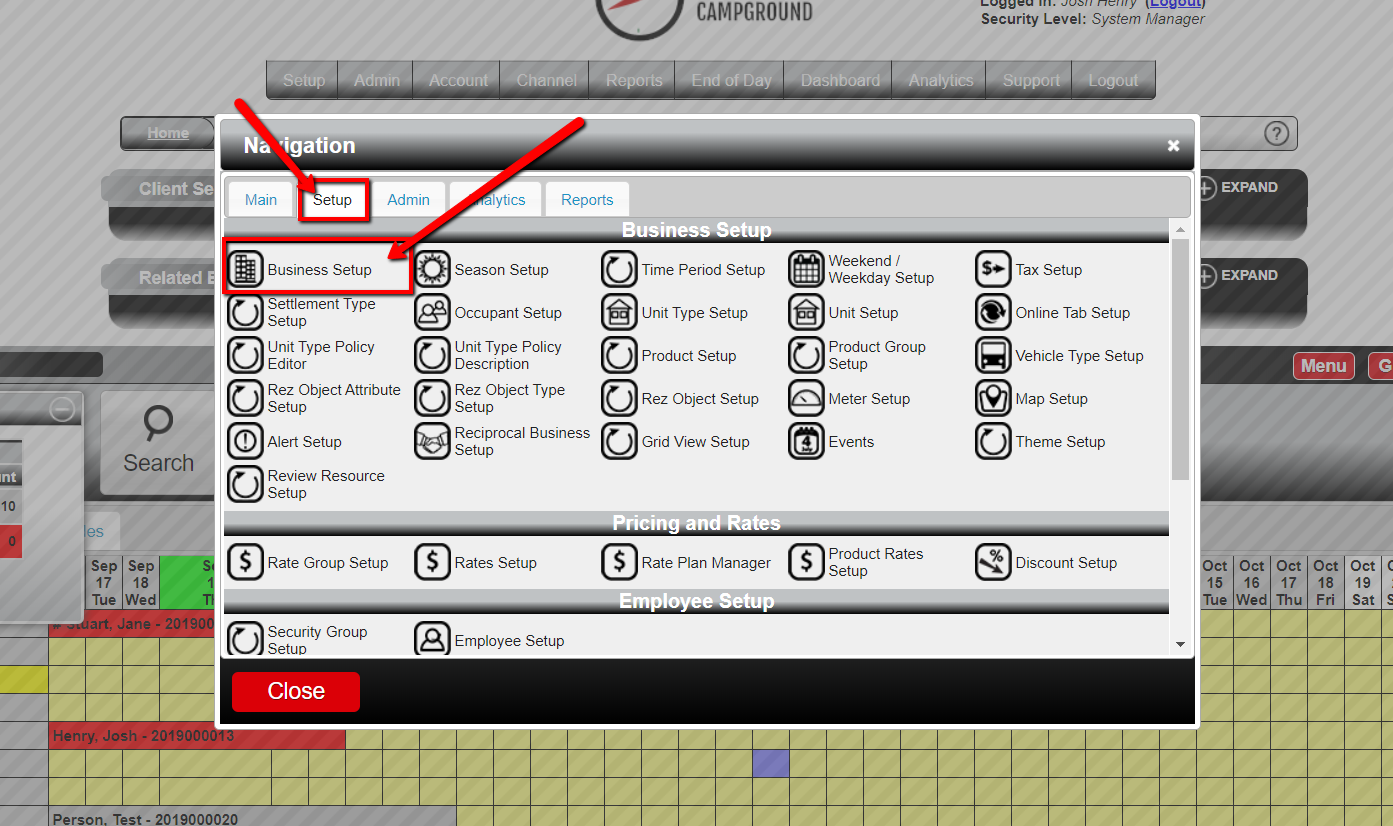
- Under the "setup" tab, choose the "Business Setup" option.
- At the bottom of the panel, locate the text-box labeled "Proxy Email".
For more in-depth information on Proxy Emails, refer to the following video.
Troubleshooting
- Ensure the "Proxy Email Enabled?" check-box is checked if the proxy email option is not visible.