Inventory Segment Setup Instructions
Last modified on:
Overview
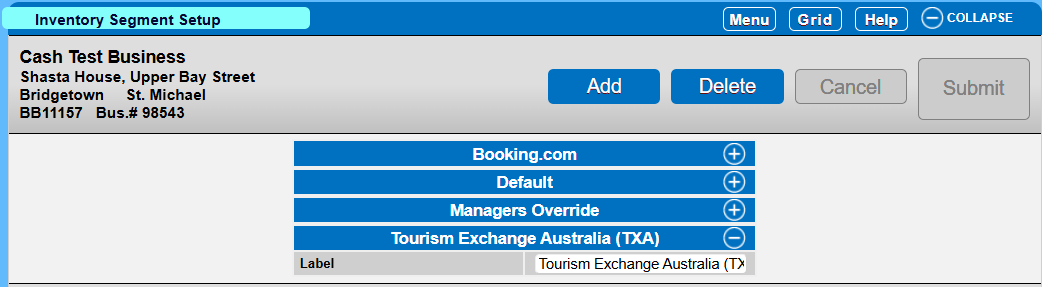
This interface allows a user to create multiple segments to allocate inventory. The segment is used to allow a user to assign a specific amount of inventory to the created segments, which can then be assigned to Membership Type(s).
Prerequisites
- Access to the system with permissions to manage inventory segments.
Steps
Location
- Click on a Menu button.
- On the Main tab, select Inventory Segment Setup.
Create a Segment
- Click Add.
- Enter the name of the segment in the Label field.
Assigning Inventory
Allocate to Membership Type
Troubleshooting
For further assistance, refer to the help documents linked in the steps above.