Resolving "Cannot Overpay Reservation" Error
Last modified on:
Overview
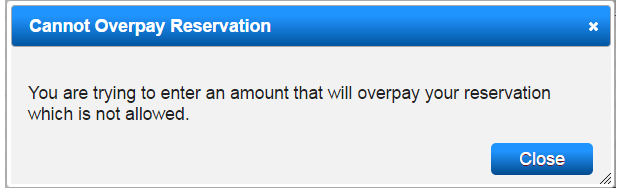
This document addresses the error message "Cannot Overpay Reservation" encountered when attempting to pay rent displayed in a Permanent Resident's Guest Folio.
Prerequisites
- Access to the system where the error occurs.
- Understanding of the billing process within the system.
Steps
- Cancel the Payment:
- Cancel the current payment attempt. - Process Periodic Billing:
- Click on Process or navigate to Admin from the Menu Bar.
- Expand Periodic Billing and select 3. Process Periodic Billing. - Review Batch:
- Scroll down and expand the Batch Review panel.
- Locate the Pending batch display. - Confirm Batch:
- Select the batch and click Confirm in the Batch Summary.
- Repeat this step if multiple Pending batches are displayed in the search. - Process Payment:
- After confirming the batch, select the client and click Guest Folio to proceed with the payment.
Troubleshooting
- Error Message:
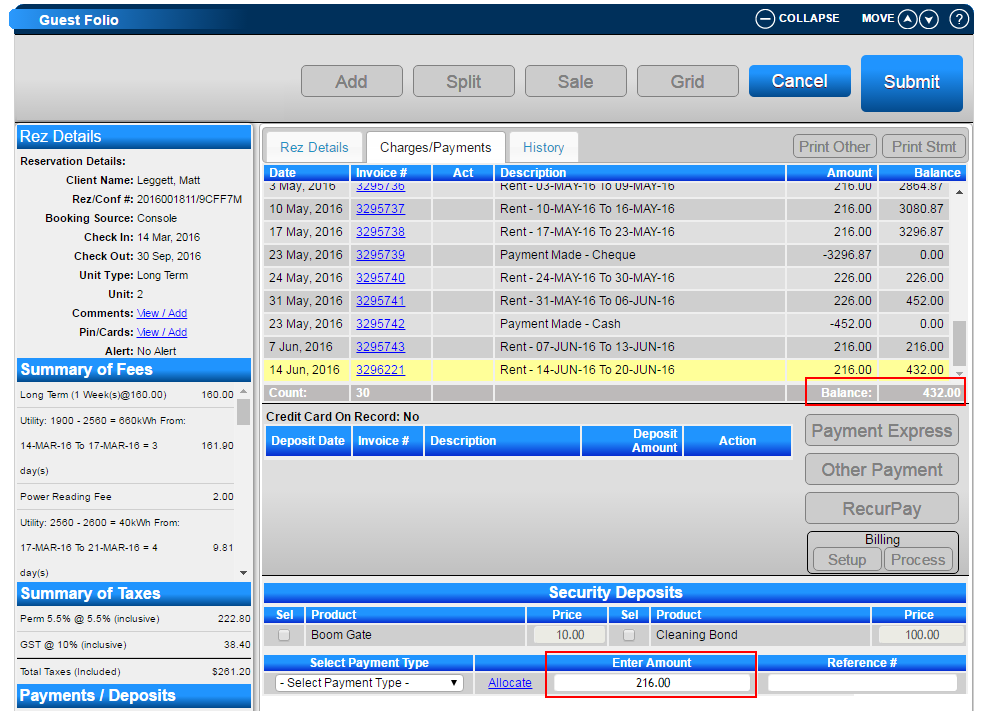
- If you receive the error 'Cannot Overpay Reservation - You are trying to enter an amount that will overpay your reservation which is not allowed', it is due to Processed Periodic Billing charges displaying in yellow and being in a Pending state.
- There may be a discrepancy between the balance displayed and the amount when attempting to post the payment.
Ensure all steps are followed to resolve the error and successfully process the payment.