Uploading Client Images for Identification
Last modified on:
Overview
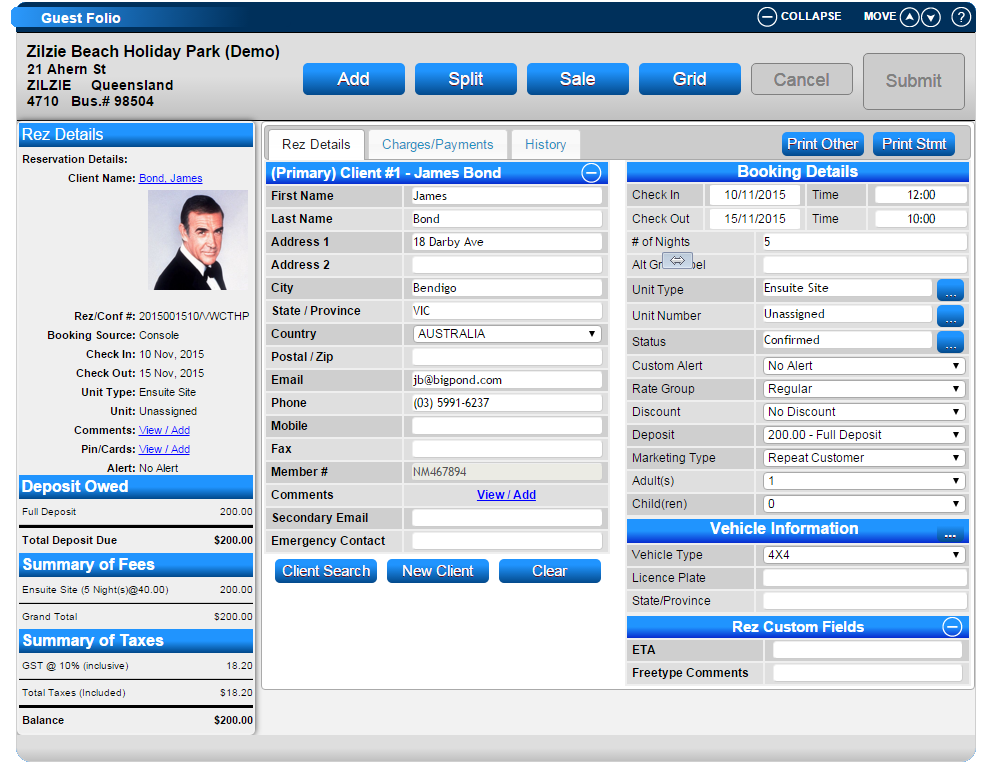
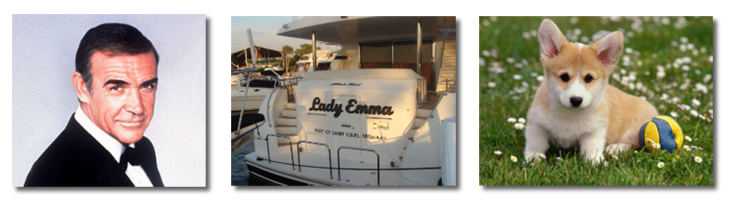
Client images can be uploaded to display when the client is searched and within the client's file and reservation(s). For kennels/catteries and marinas, upload images of the pet or boat for easy identification.
Prerequisites
- Ensure images are ready for upload. While there is no size limit, it is recommended that images are not larger than 250 pixels x 250 pixels.
Steps
Uploading Images
- Click Search on the Availability Grid and enter the client's name to search.
- When the selected client appears, click Edit. This will direct you to the Client Editor panel.
- Select the Images button on the right.
- Click Upload to upload the image.
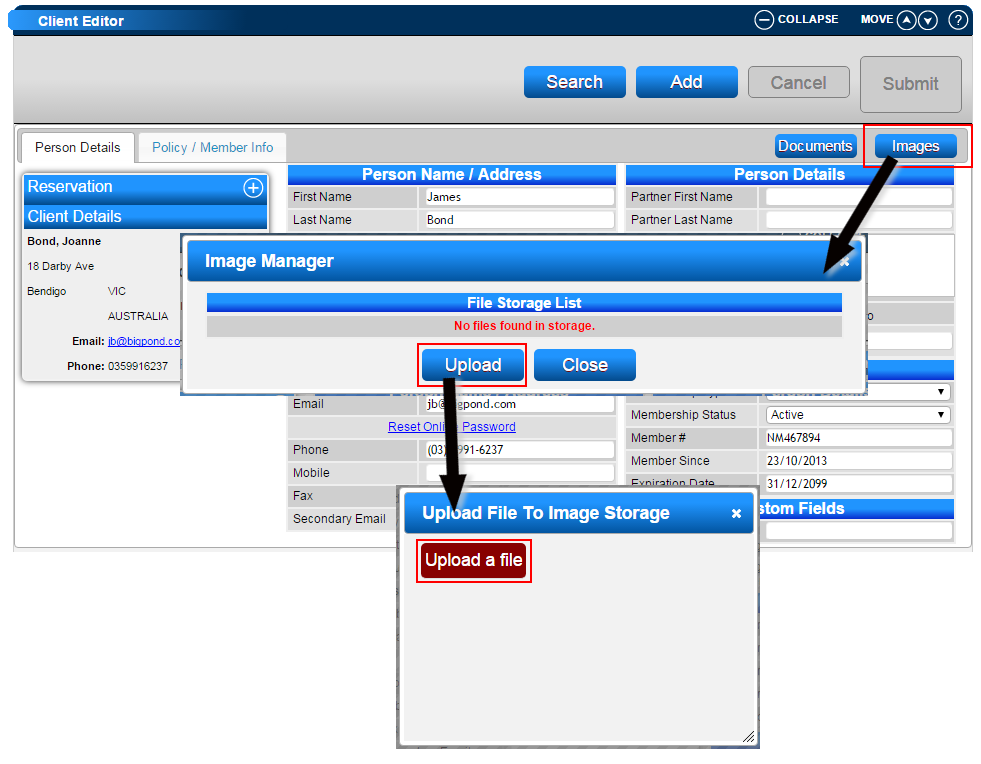
Image Display
- Once uploaded, you can preview the image next to it.
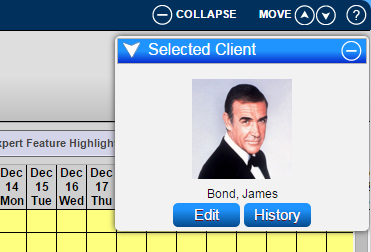
- Images will display in the selected client slider and the reservation till tape for all of the client's reservation(s).
Troubleshooting
- For additional information, click here to use your Webcam to capture images of your clients.
- For custom single reservation user-defined reports created in System Label Manager, the client image wildcard is available to input into the report, which will display the uploaded client image.