Decommissioning a Unit from Inventory
Last modified on:
Overview
Decommissioning a unit involves removing it from active inventory. This document outlines the steps necessary to complete this process.
Prerequisites
- Ensure that the unit does not have any current or future reservations, including pencil-ins.
- Reassign any existing reservations or pencil-ins to another unit.
Steps
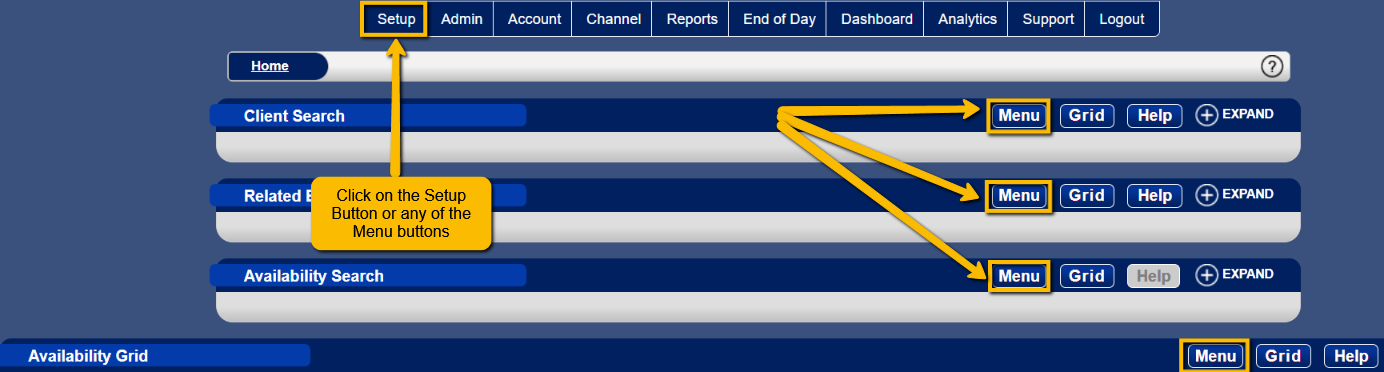
Navigate to the Setup
- Access the Setup button or any Menu button.
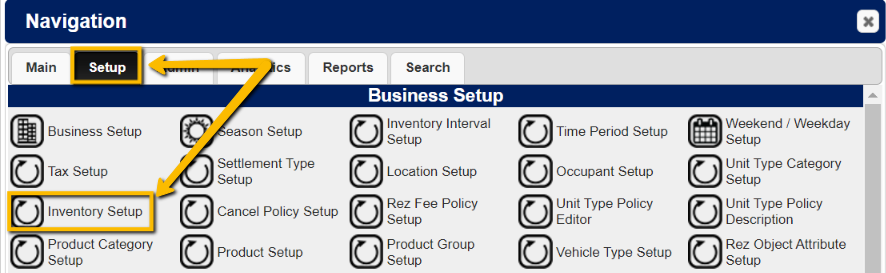
- Go to the Setup Tab.
- Select Inventory Setup.
Select the Unit
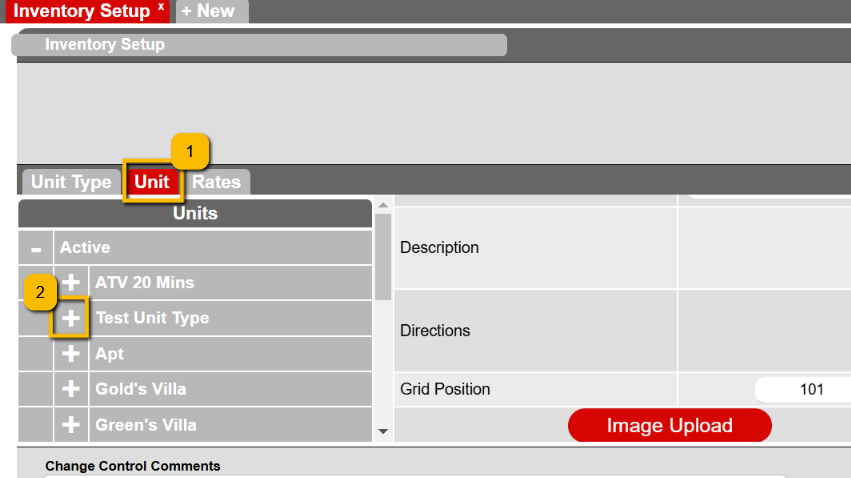
- Click on the Unit tab.
- Expand the Unit Type to view the list of units.
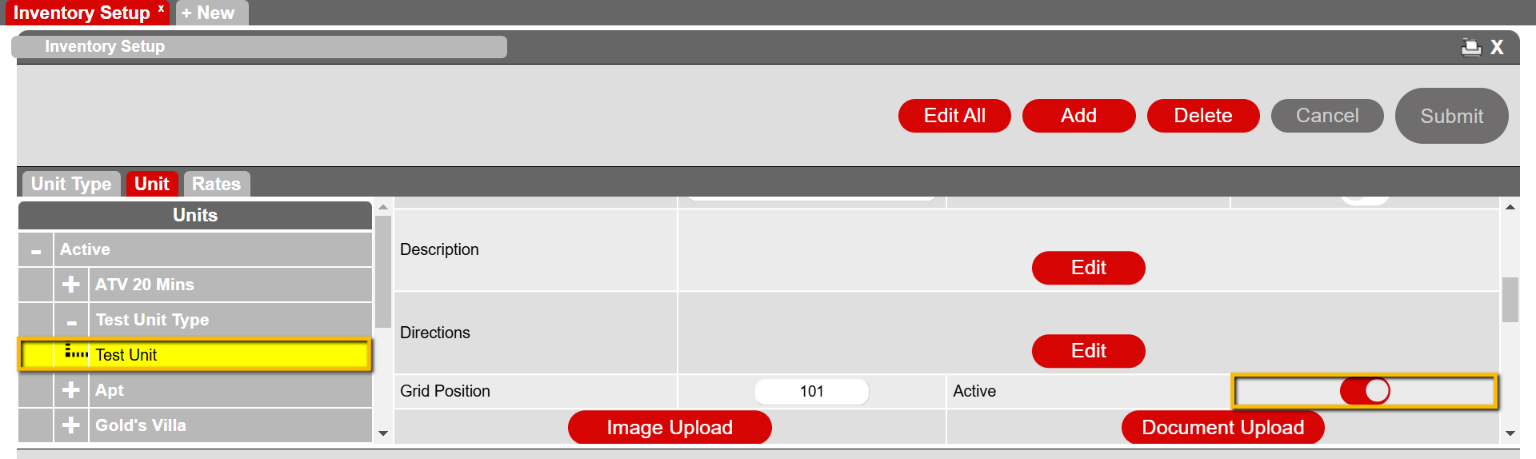
- Find the specific unit from the list.
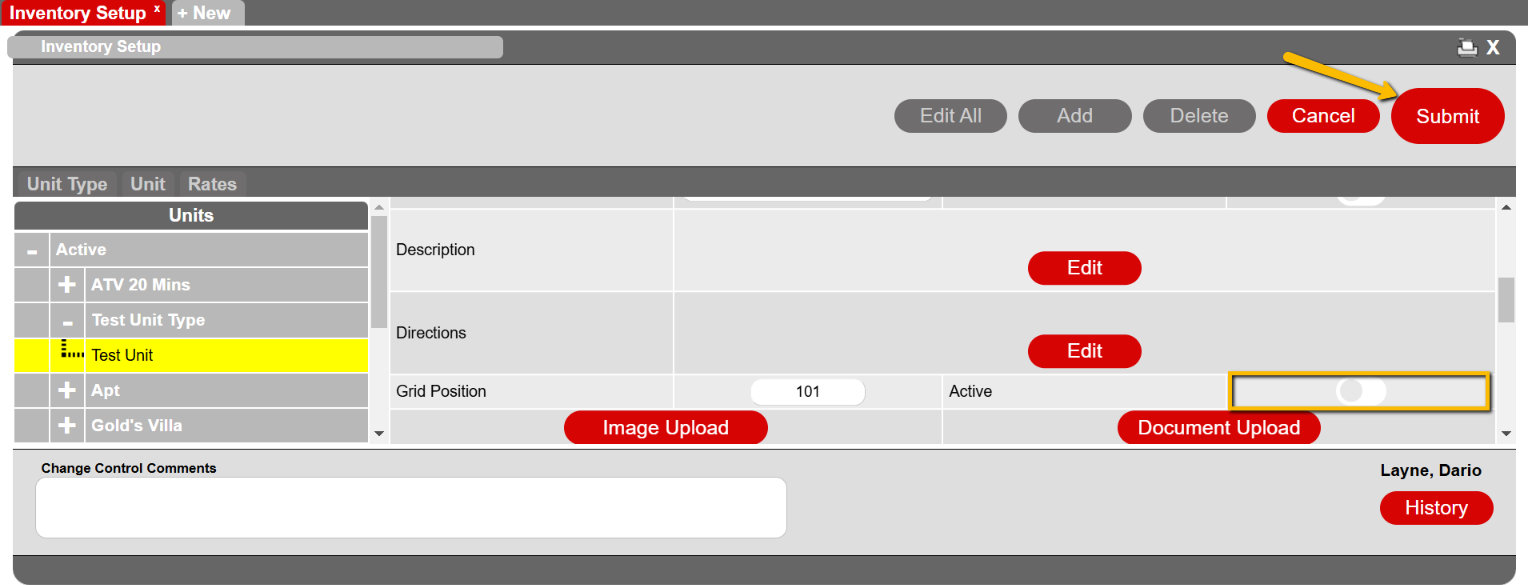
- Toggle the Activate selector for the unit to off and then click the Submit button.
Troubleshooting
- Confirm that the unit does not have any current or future reservations, including pencil-ins.
- If reservations or pencil-ins exist, reassign them to another unit.