Logging Into RezExpert Using Google Chrome
Last modified on:
Overview
This document provides instructions on how to log in to RezExpert using Google Chrome. RezExpert is optimized for Google Chrome and is not compatible with Internet Explorer.
Prerequisites
- Ensure Google Chrome is installed on your device.
Steps
Visiting the RezExpert Site
- Open Google Chrome.
- Click into the address bar.

- Type https://online.rezexpert.com and press Enter/Return.

- You will arrive at the RezExpert login page.
Using the Log In Form
- On the login page, use the login form to access your business account.
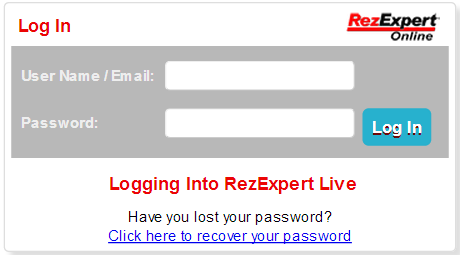
- Click into the "User Name / Email" field and enter your provided username.
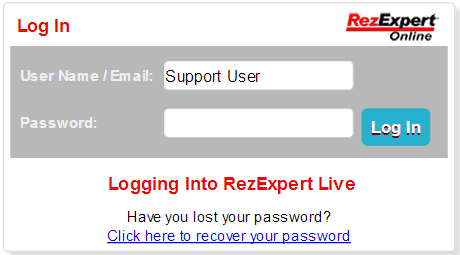
- Click into the "Password" field and enter your provided password.
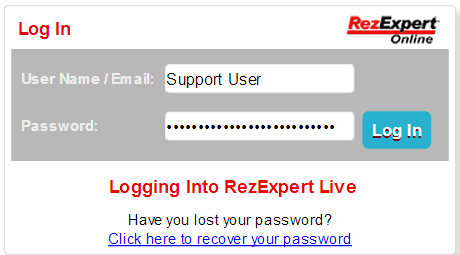
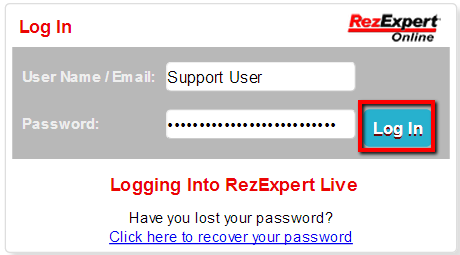
- Click the "Log In" button to access RezExpert.
Troubleshooting
- If you encounter issues accessing the site, ensure you are using Google Chrome.
- Verify that the URL is entered correctly in the address bar.