Logging into RezExpert System
Last modified on:
Overview
This document provides instructions for logging into the RezExpert system, including both the test and production environments.
Prerequisites
- Access to a web browser
- Login information provided by a team member or property manager
Steps
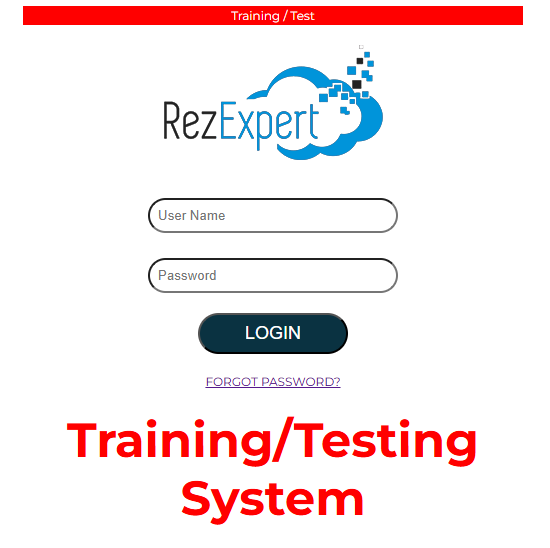
- Access the RezExpert Test Environment:
- Open your web browser and navigate to:
https://profile.rezexpert.com
- Access the RezExpert Production Environment:
- Open your web browser and navigate to:
https://online.rezexpert.com
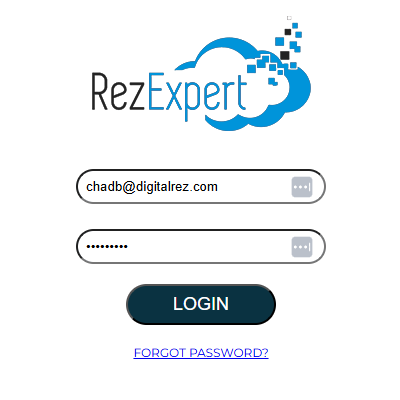
- Login:
- Enter the login information provided to you by a member of our team or by your property manager.
Troubleshooting
- Forgot Password:
- If you have trouble remembering your password, you can reset it using the following links: