Protect Group Integration and Policy Management
Last modified on:
Overview
The Protect Group integration allows guests to protect their deposit from certain incidentals that would cause the reservation to be cancelled. Guests can purchase deposit protection at the time of booking. This policy is administered and refunded by Protect Group.
Prerequisites
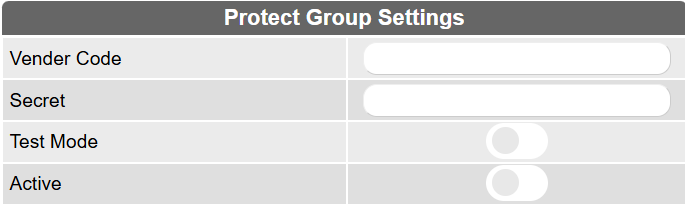
- Vendor Code & Secret: Credentials used to establish a connection with Protect Group.
- Test Mode: Enables testing of the integration without issuing real policies.
- Active: Toggle to enable or disable Protect Group for new bookings.
Steps
Location
- Menu
- Admin
- Protect Group Setup
Purchasing Protection (Creating a Policy)
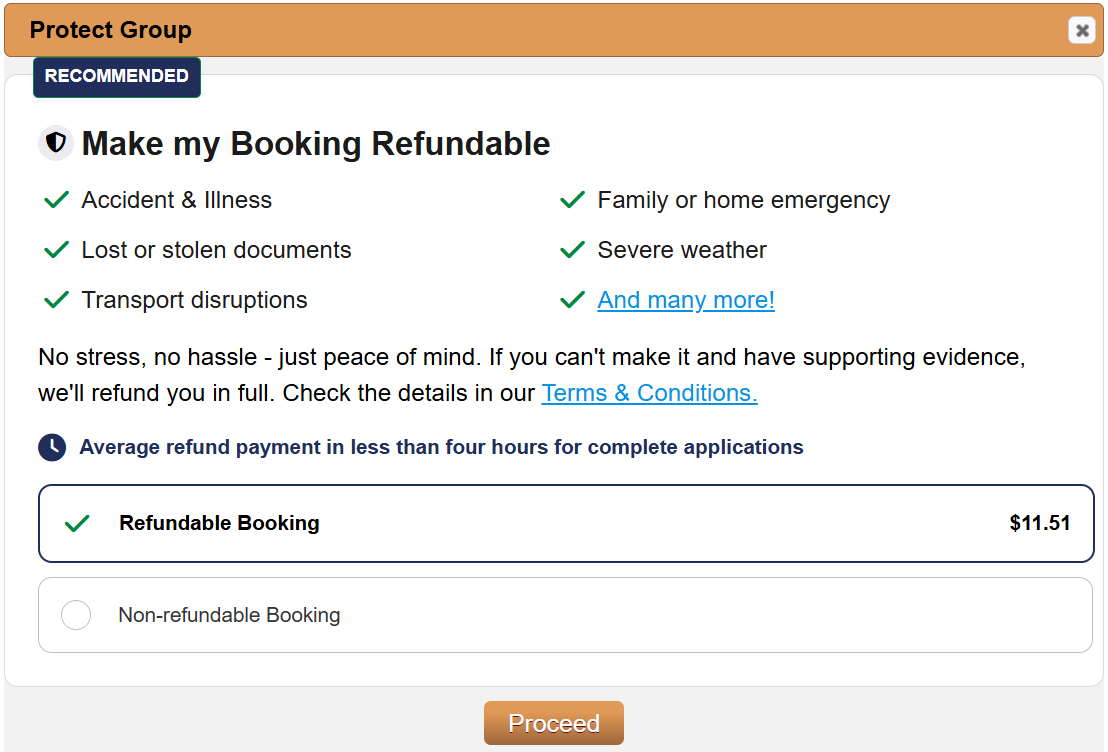
Once activated, when a staff member processes the first payment (via Gateway or Other Payment method) internally on a reservation that has not yet checked in, or when a guest creates a reservation online, the system will prompt the user to choose between the following options:
- Refundable Booking
The reservation will be protected by Protect Group. In the event of a cancellation, any eligible refund will be handled directly by Protect Group, not the business. - Non-Refundable Booking
The reservation will not be protected, and the business’s standard cancellation policy will apply.
Protect Group invoice in Charges/Payments

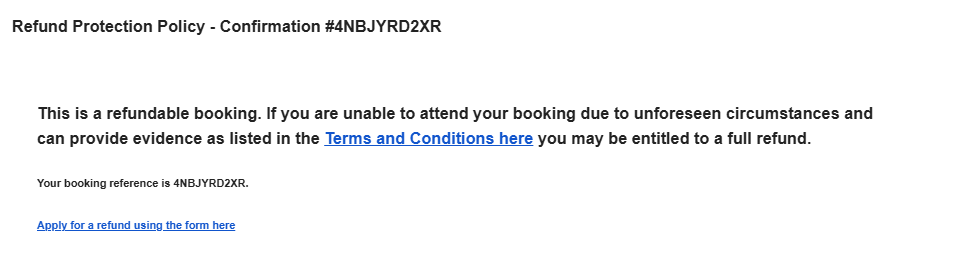
The confirmation will include the following:
NOTE: Only the first payment on the reservations is protected.
Reversing a Policy
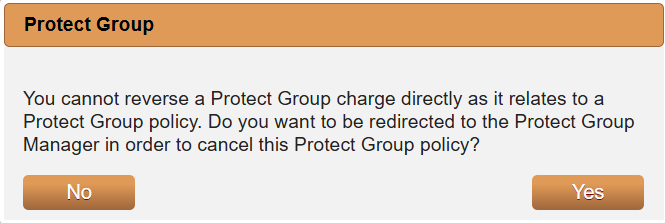
Protect Group charges cannot be reversed from the guest folio. The policy will need to be cancelled. Click on Yes, after clicking on the Rev action button or go to the Protect Group Manager menu.
Protect Group Manager
Cancelling Policies
To cancel a policy manually, go to:
- Menu
- Admin
- Protect Group Manager
Search or select the policy if displayed.

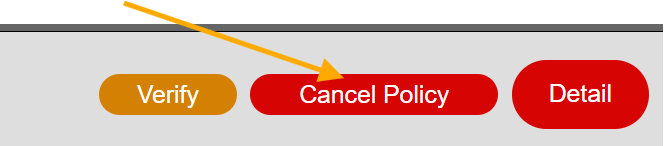
- Policies can only be cancelled before the reservation’s check-in date.
- Policies must be cancelled within 14 days of being created.
- After 14 days, the policy becomes non-refundable.
Note: When cancelling a reservation with a protect group policy, the charge cannot be reversed.
Troubleshooting
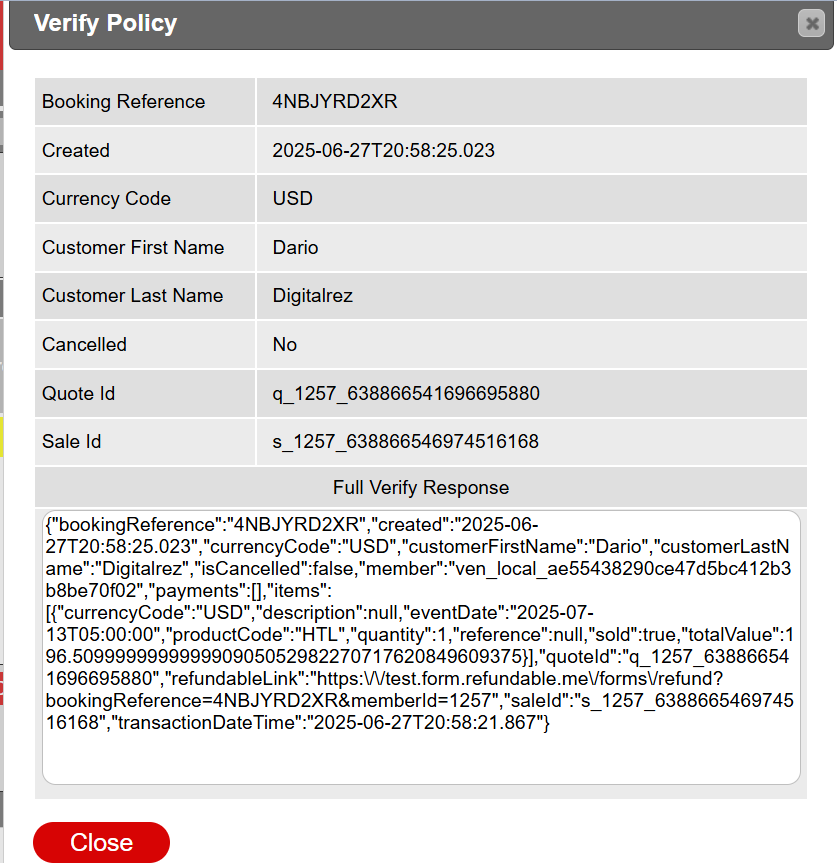
Verify
Provides further information for processed policies.
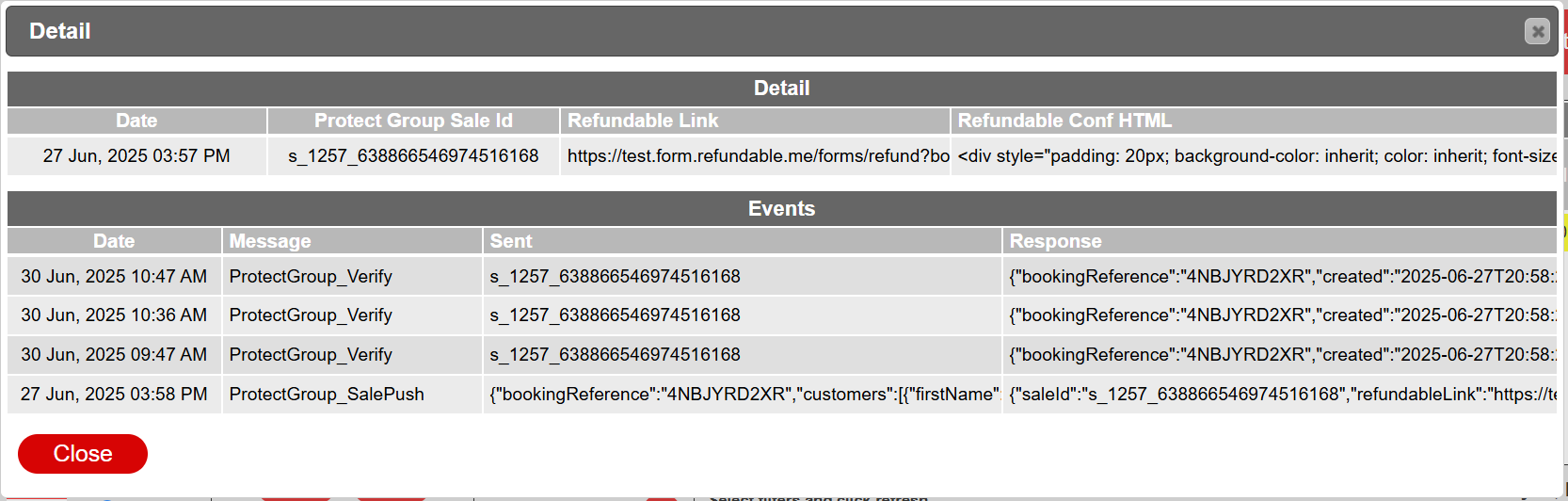
Detail
- Refundable Link
Provides the refund request link. - Refundable Conf HTML
Shows the confirmation content referencing the Protect Group Policy.
Statuses

Breakdown Options
- Pending – Sale: Policy is in processing (typically resolves within 5 minutes).
- Sales Complete: The policy has been successfully activated and is in effect.
- Sales Rejected: The guest declined the Protect Group offer at time of payment.
- Sales Cancelled: The policy was initially accepted and later cancelled (within allowed timeframe).