View Unit Type Inventory in RezExpert
Last modified on:
Overview
This document provides instructions on how to view the available inventory for different unit types using the RezExpert system.
Prerequisites
- Access to the RezExpert availability grid.
Steps
- On your availability grid, left-click on an open grid.
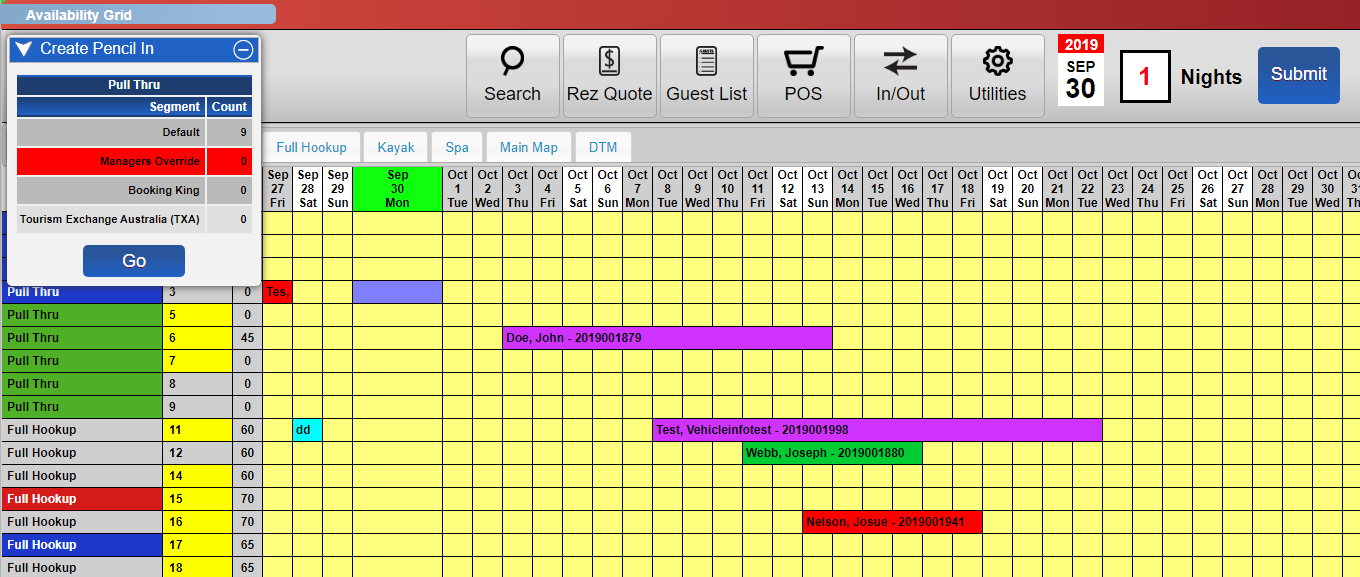
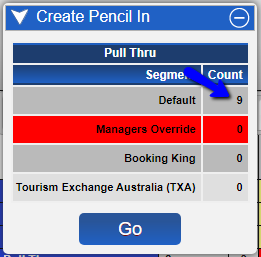
- In the dropdown, you will see the number of available units under 'Count'.
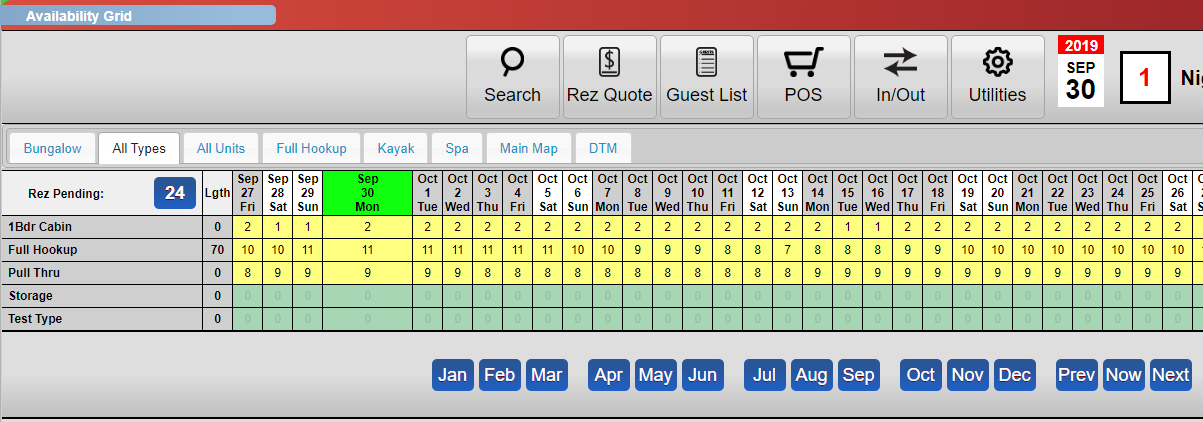
- Additionally, the "All Types" tab allows you to see the number of available units under each Unit Type.
Troubleshooting
- Ensure you have the necessary permissions to access the availability grid.
- If the dropdown does not display the count, refresh the page and try again.